


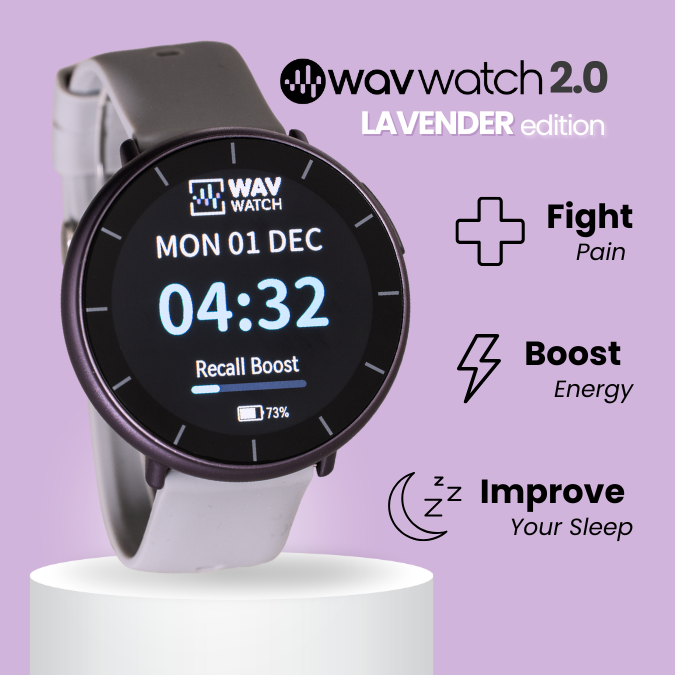

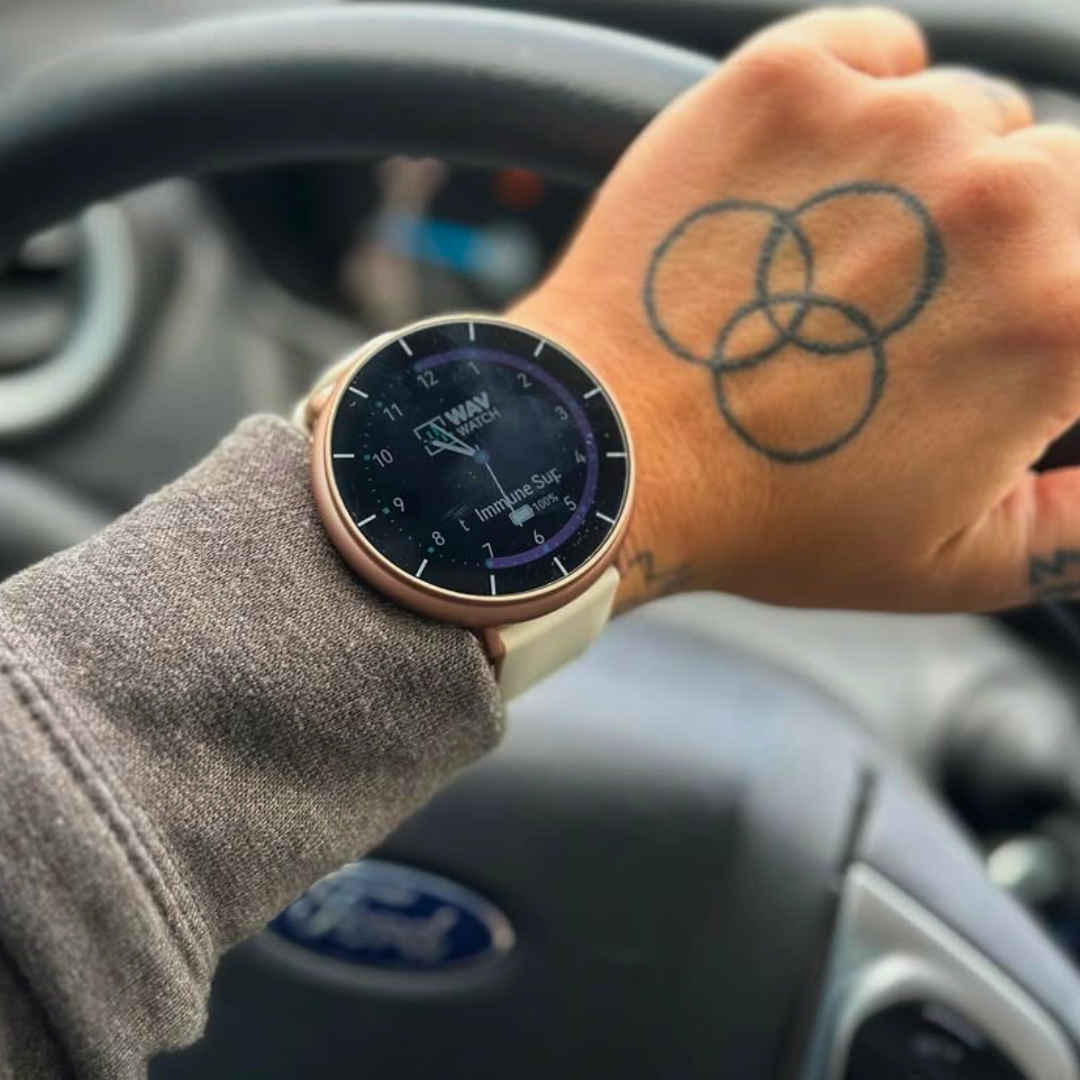








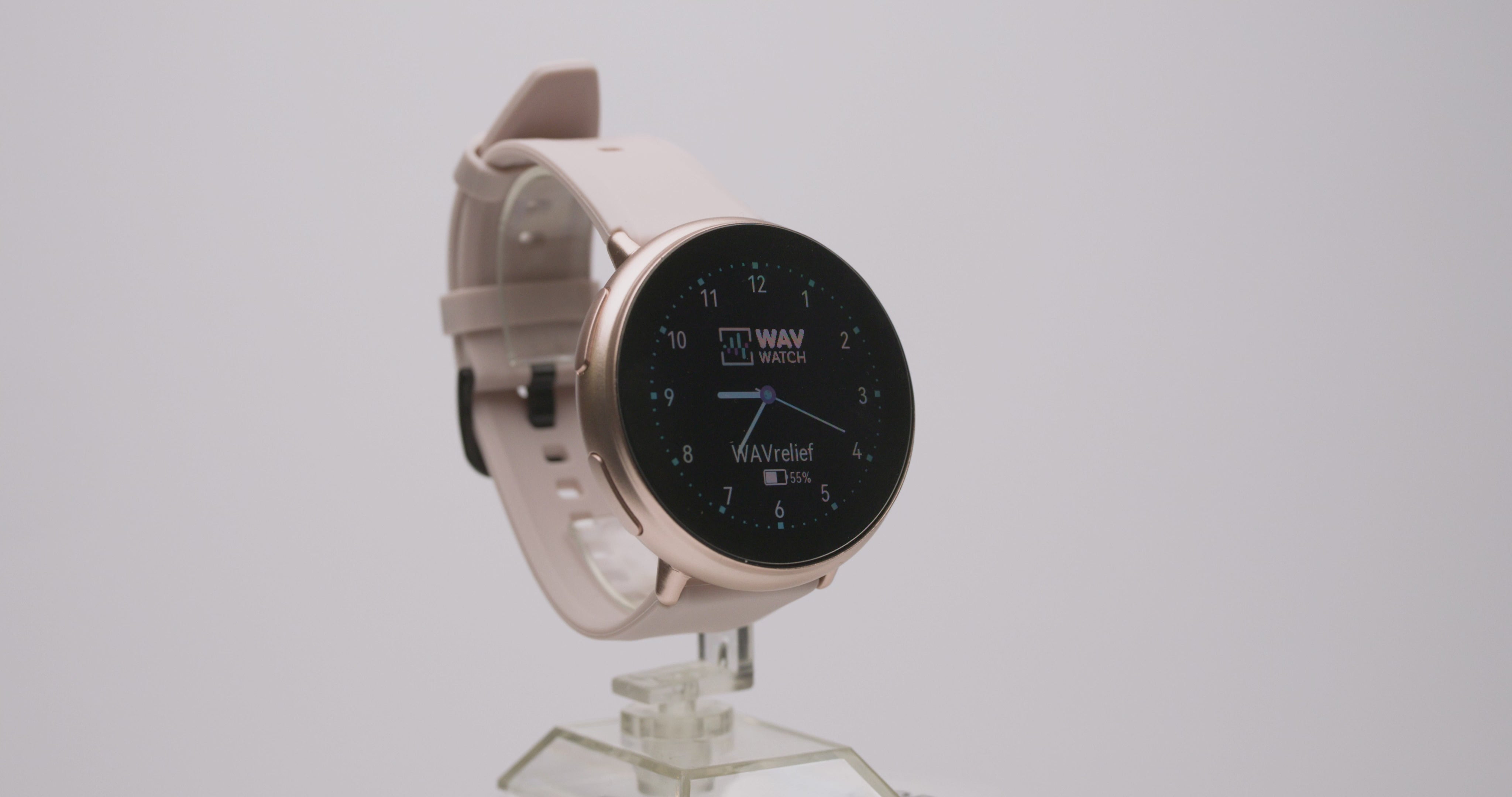
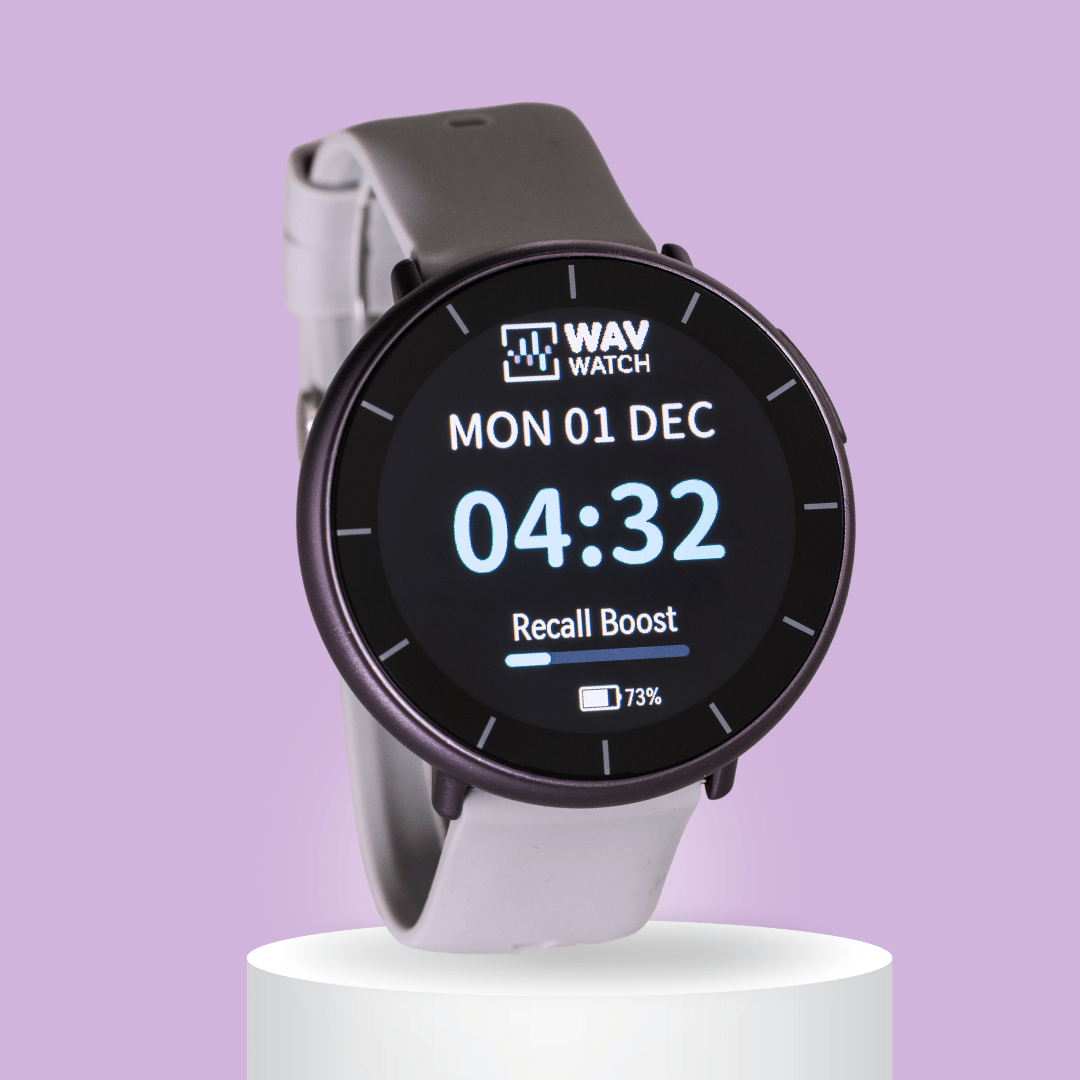
WAVwatch 2.0 - Lavender Edition
Wearable sound frequency therapy to boost your body's natural healing.
25% off 1 or 30% off 3+
Limited Quantities available!
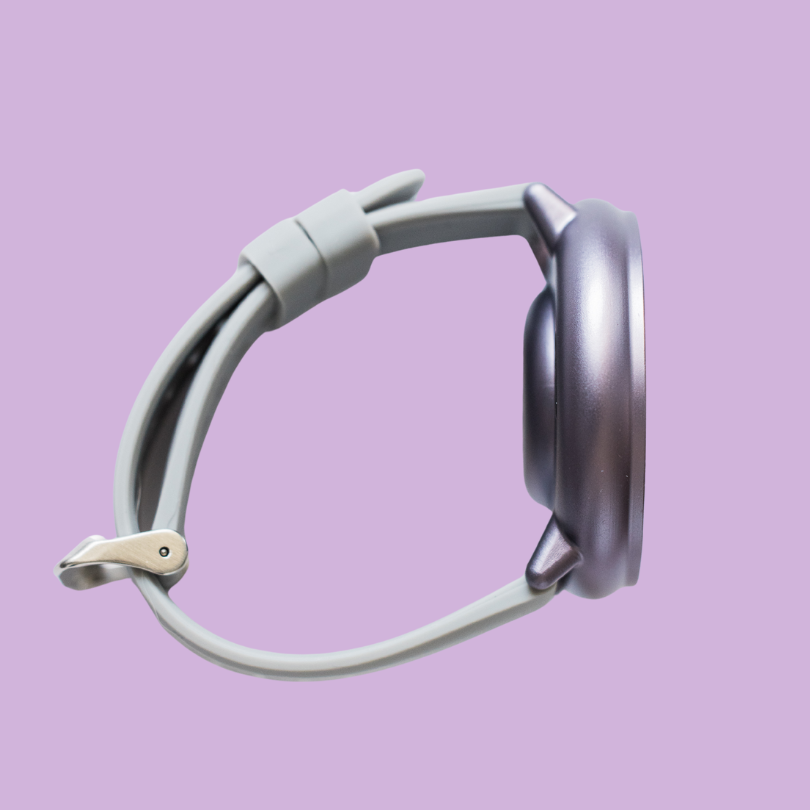
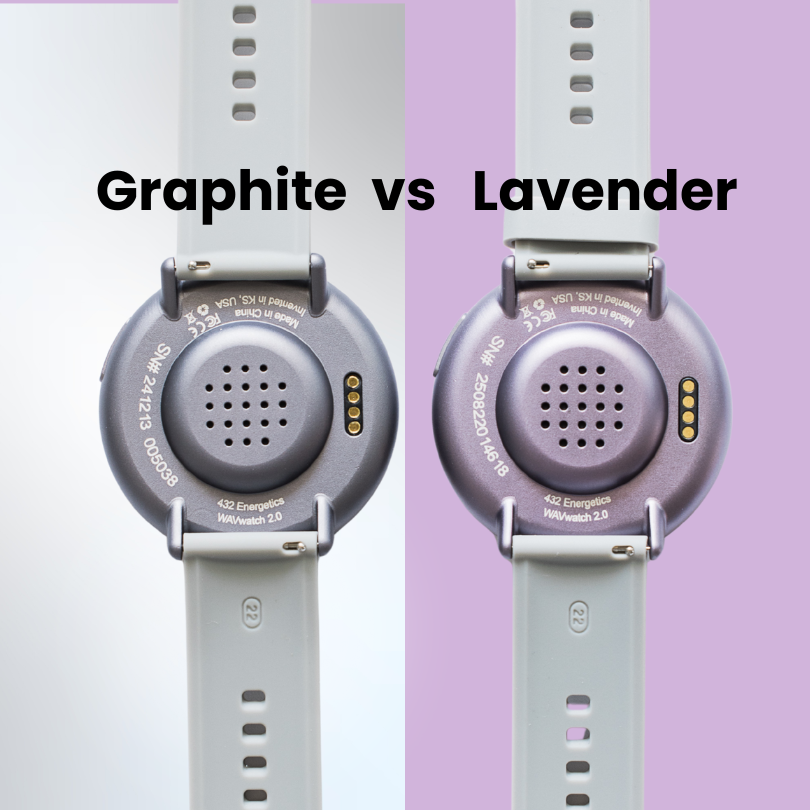
Due to an issue with our anodizing process, this small batch of WAVwatch 2.0 units has a slight purple hue, so we are calling it the "Lavender Edition". Enjoy this fun chance to own a unique WAVwatch!
Unlock Natural Wellness — Anytime, Anywhere.
✓ Easy-to-use wearable technology device
✓ Water-resistant, lightweight design
Note: Due to limited quantities, any future warranty replacements will not match this color.
WAVwatch also comes standard with a 1-year manufacture's warranty

Pairs well with






“Every single cell in our body vibrates with different frequencies. And those frequencies dictate the health of those cells. I use WAVwatch to play anxiety, stress, calming, relaxation. I want to keep myself calm, non-reactive as I'm researching.”
- Dr. Bryan Ardis

Why Use the WAVwatch
Sound Therapy uses acoustical frequencies that run through your body. This method for improving your immune system has been used for centuries and is extremely safe and scientifically researched. Thousands of parents, grandparents, and kids use the WAVwatch!

- JJeanneReviewingWAVwatch 2.2 Graphite 2.2I recommend this productRated 5 out of 5 stars18 hours ago5 Stars
I just received this and am excited to see the results!!
- MGMichelle G.Verified BuyerReviewingWAVwatch 2.2 Graphite 2.2I recommend this productWhat is Your Wellness Goal? Aches and PainsHow old are you? Over 65Bought For MyselfRated 5 out of 5 starsYesterdayA True Miracle
I injured my shoulder doing yard work the end of June 2026. No problem, I'll take a week off and it'll heal, right? Two weeks later, with no aggravation, it was worse. I went to a massage therapist and had a lot of tension knots all over back and shoulder. After four weekly visits it was much better, but I still had pain and irritation if I tried to do anything. I saw a podcast with an interview on the WAV Watch. I remember seeing it a few years earlier and decided to get one. The podcaster had talked about pain relief within the hour. It did nothing, so I left it on longer and not sure what setting I really needed tried several. The pain wasn't gone but when I woke up it wasn't stiff and painful, a BIG improvement. Next I found the WAVrelief setting and tried it on overnight. A vast improvement! By the third day I was pain free with full mobility and back to doing physical work in the garden and stacking firewood. I'm 71. After ten weeks of pain and limited mobility I was finally healed! Don't give up if it doesn't work at first, try different settings til you find the right one.
- MFMelissa F.Verified BuyerReviewingWAVwatch 2.2 Graphite 2.2I recommend this productWhat is Your Wellness Goal? Aches and Pains, Better Sleep, Mental ClarityHow old are you? 55-64Bought For MyselfRated 5 out of 5 stars2 days agoAmazing
Love this watch. I wear it until it dies, then im sad i have to take it off to charge it. It has helped with low back issues, and starting to help with sleep. Its been 2 weeks. Im hoping it helps my thumb pain and a couple other issues. Im very hopeful.
- DDDebbie D.Verified BuyerReviewingWAVwatch 2.2I recommend this productWhat is Your Wellness Goal? Better Sleep, Aches and PainsHow old are you? Over 65Bought For MyselfRated 5 out of 5 stars1 week agoThis watch has help with so many things.
I had bursitis on my left hip and the nerve pain ran down my leg . It was aggravated when I did a lot of walking . I set the bursitis frequency (first watch that came out)for a couple of weeks. It was a few years ago and don't have that issue anymore. I also fractured my wrist in 2 places. I told the orthopedic doctor I didn't want a cast just a removable brace so I could wear my frequency watch. He said it would take 6 to 8 weeks to heal. I put the setting on bone regeneration after 2 weeks healing looked good after 4 weeks it was healed. Never had any pain.
- LHLyndy H.Verified BuyerReviewingWAVwatch 2.2 Rose Gold 2.2I recommend this productWhat is Your Wellness Goal? Better Sleep, Mental Clarity, RelaxationHow old are you? 45-54Bought For MyselfRated 5 out of 5 stars1 week agoNo regrets
I know it's expensive, but consider it an investment in your wellness. I use the sleep setting every night and it has made such a huge difference to how I feel every morning ..... rested and clear minded. I've only had the watch a few weeks and very happy with it.
WAVWATCH 2.0 SPECS
How Does WAVwatch Work?
Everything in the universe (and your body) vibrates at a unique frequency. Research also suggests that action of nerves is based on sound pulses.
Sound frequencies may help restore harmony through gentle, non-invasive energy. WAVwatch 2.0 can be used for
- Soreness
- Better Sleep
- Energy
- Relaxation
- Detox
- Weight Management
- Mental Clarity
- Circulation
- Emotions
- Stress
- Swollen Joints
- Improved Focus
WAVwatch makes self-care effortless—just wear it and let the frequencies play!
Product Information
WAVwatch 2.0 features 146 specialized Frequency Sets with over 1,100 embedded frequencies, eliminating the need to search for individual frequencies. These pre-made sets simplify sound frequency wellness, making it easy to support your body's natural balance.
What's Included?
- WAVwatch 2.0 (Rose Gold or Graphite)
- Black carrying case for protection on the go
- Two wristbands: A silicone buckle strap and a nylon Velcro strap for comfort and flexibility
- Magnetic charging cord for easy recharging
- 1x Screen Protector for added durability
- USBA to USBC adapter for versatile charging options
- Reference guide to help navigate Frequency Sets
⚡ Charging block not included—any standard charging block, including WAVwatch 1.0 chargers or smart chargers, will work!
How To Use WAVwatch
- Power: Turn your WAVwatch on or off with a long press of the power button. You can put your watch to sleep or wake it up with a quick press of the power button.
- Select frequency set: Scroll through the Categories and then select your desired Frequency Set. Start with FirstWAV, which contains a comprehensive set of self-care ideas.
- Play frequency set: The selected frequency set will begin playing automatically. From the watch screen, tap on the bottom half of the screen to see currently playing frequency set.
- Adjust volume: Swipe right to left then adjust the slider. We recommend a volum of 1-3. You do not have to hear it for the watch to work.
- Add to favorites: Tap on the heart icon and choose playlist 1-6. You can add to multiple playlists for ease of use.
- Select Repeat: Choose from the two options to play the complete list or repeat the selected frequency set.
Charging
Attach charger to USB port for 2-3 hours until fully charged. Use included adapter for USB-C port if needed. We recommend a smart charger. The original WAVwatch 1.0 charging block may take much longer to charge.
If you are having difficulties charging your WAVwatch, you may need to clean the contacts on the back of the watch with a small amount of alcohol and a clean cloth.
30-Day Money Back Guarantee
Try it risk free! Return your WAVwatch within 30 days from the date of delivery.